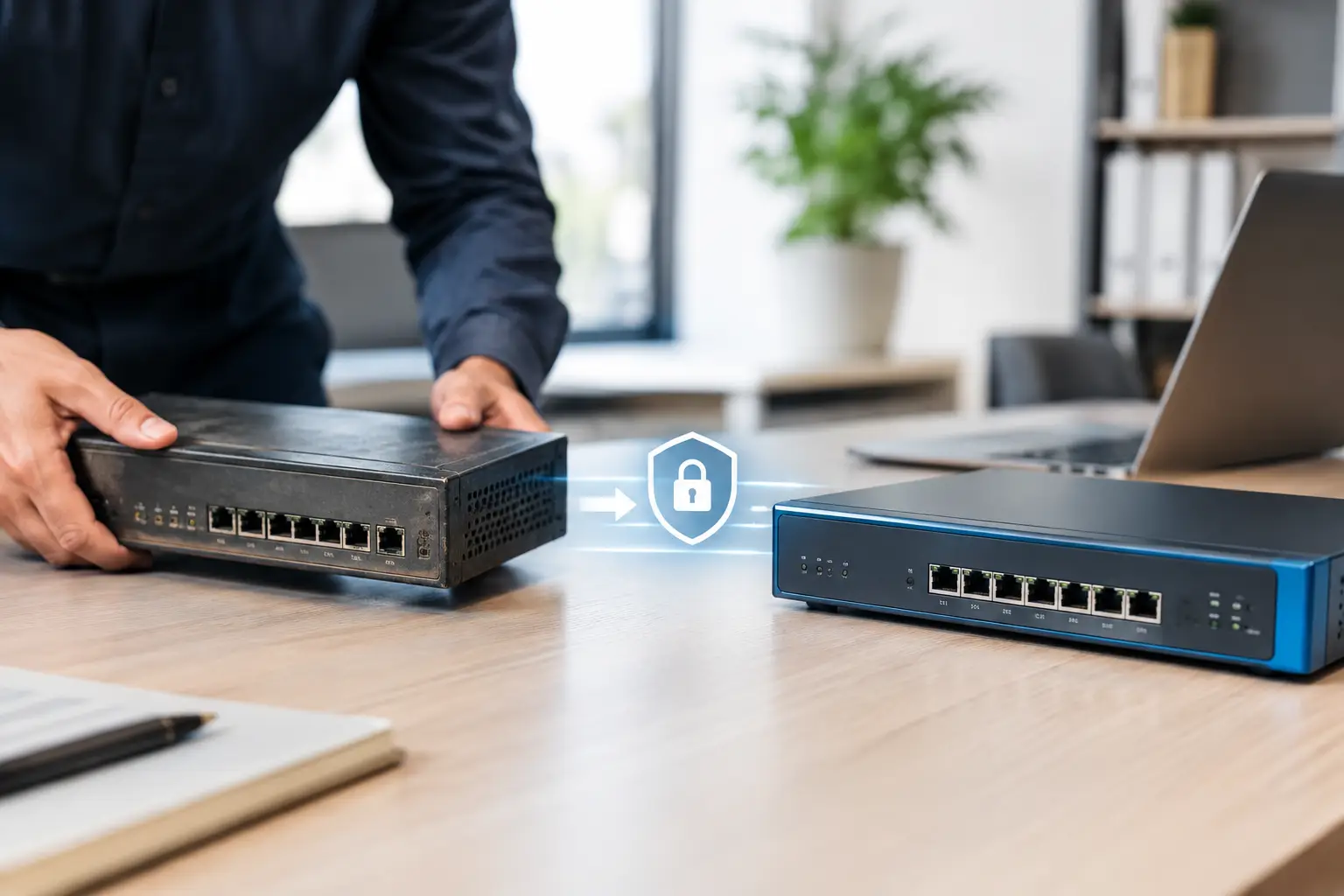
A firewall rarely fails in a dramatic way. More often, it becomes slower, falls out of vendor support, or cannot keep up with the way your staff now work. Knowing when to replace your office firewall helps you avoid discovering those gaps during a security incident, an internet outage or a busy Monday morning.
For a small or medium-sized business, a firewall is the device that controls traffic between your office network and the internet. It can help block known threats, separate guest Wi-Fi from business systems, support secure remote access and give your IT provider visibility over what is happening on the network. It is not the only security control you need, but it is an essential one.
The right replacement point depends on the model, the vendor’s support dates, your internet connection and how your business operates. Age matters, but it is only one part of the decision.
When to replace an office firewall
The clearest reason to replace a firewall is the end of vendor support. Once a manufacturer stops providing firmware updates, security fixes or hardware replacement options, the device becomes a growing business risk. A firewall can still appear to work perfectly while known vulnerabilities are no longer being addressed.
This is particularly relevant where a business has inherited equipment from a previous tenant, bought a low-cost device years ago, or simply has no record of what is installed. If nobody can confirm the make, model, software version and support status, that is worth investigating.
A useful rule of thumb is to review firewall lifecycle status from around the five-year mark. Some business-grade models remain suitable for longer, while others need replacing sooner because their performance or security services are no longer adequate. The vendor’s official end-of-life date should carry more weight than a fixed age rule.
Security updates and subscriptions have ended
Modern firewalls rely on more than their physical hardware. Many use security subscriptions to identify malicious websites, suspicious files, phishing infrastructure and other threats as they emerge. If those services have expired, the device may still pass traffic but it is not providing the level of protection you expected.
Renewing a subscription can be sensible if the firewall is recent, supported and appropriately sized. It is less sensible if renewal costs are high and the hardware is already nearing end of support. In that case, a new firewall with current licensing may offer better value and a clearer support path.
Internet performance is holding the business back
A common sign is that your NBN service has been upgraded but staff still complain about slow cloud applications, choppy video calls or sluggish remote access. The firewall may be the bottleneck, especially when security inspection features are enabled.
A device might handle a basic internet connection comfortably, yet struggle when it is also scanning encrypted traffic, running a virtual private network (VPN), filtering web activity and supporting multiple office locations. This is not always a firewall problem - Wi-Fi coverage, switching equipment and the internet service itself should also be checked - but the firewall needs to be assessed as part of the whole network.
For example, an accounting firm moving more work into Microsoft 365 may notice delays at peak times. If their older firewall was selected when most files were held on a local server, its capacity may no longer suit the business.
Your staff, sites or working arrangements have changed
A firewall chosen for a ten-person office may not suit a business that now has 35 staff, a warehouse, remote workers and a second site. Growth changes the number of devices, the amount of data moving across the network and the need to separate systems safely.
This also applies when a business introduces cloud phone systems, security cameras, point-of-sale equipment, medical software or guest Wi-Fi. These services do not necessarily require a new firewall, but they may require stronger network segmentation. Segmentation means keeping different types of devices apart where practical, so a problem on a guest device or camera network does not have unrestricted access to business systems.
If remote access was set up quickly during a period of change and has never been reviewed, that is another reason to assess the firewall. Older VPN arrangements can be difficult to manage, slow for staff and less suited to multi-factor authentication.
Signs that should prompt a review now
Some issues need prompt attention rather than a discussion at the next annual IT review. Ask for a firewall assessment if you are seeing any of the following:
- The firewall is no longer supported by its manufacturer, or no-one can confirm its support status.
- Firmware updates have not been applied for a long time because the device is unmanaged or difficult to access.
- Internet dropouts, VPN failures or voice call quality issues are occurring without a clear cause.
- Staff cannot work effectively from home, a second office or on the road.
- The business has had a security alert, unauthorised access attempt or malware incident that raises questions about network visibility.
- Your insurer, client or industry requirements now call for stronger security controls or documented patching.
None of these automatically means the firewall is at fault. However, they are good reasons to check whether it is still fit for purpose rather than waiting for a failure.
Do not replace it based on age alone
Replacing working equipment too early wastes money, particularly for businesses managing cash flow carefully. A well-maintained, supported firewall with current security services may still be suitable after several years. Conversely, a newer consumer-grade device may be unsuitable for a business from the day it is installed.
The question is whether the firewall can reliably meet your current needs. That includes its supported throughput with security features switched on, the number of users and devices, remote access requirements, Wi-Fi and network design, and the availability of replacement hardware if it fails.
It is also worth considering how the device is managed. A capable firewall that is never reviewed, patched or backed up is not delivering its full value. For most small businesses, ongoing monitoring and management matter more than having the most expensive model on the market.
What a sensible firewall replacement plan looks like
A replacement should be planned as a business continuity task, not treated as a quick hardware swap. Before choosing equipment, document what the current firewall does. This includes internet connections, static IP addresses, VPNs, remote users, phone systems, Wi-Fi networks, printers, servers, cameras and any vendor systems that need special access.
The next step is sizing the replacement for real usage, with reasonable room for growth. It should support your internet speed while the relevant security services are active, not merely quote an ideal speed in a brochure. If you have two locations or rely heavily on cloud applications, resilience and secure site-to-site connectivity may matter as much as raw speed.
Plan the change outside your busiest period where possible. A good implementation includes a tested configuration backup, a rollback option, updated firmware, documented settings and checks for the services your team relies on. Staff should know if there will be a short interruption, particularly anyone working remotely or using cloud phones.
After installation, the work should continue. Logs need reviewing, firmware needs updating, subscriptions need tracking and configurations need backing up. These routine tasks are what keep a firewall useful over its service life.
Questions to ask before approving a replacement
Before spending money, ask your IT provider whether the existing firewall is still supported, what specific limitation has been identified and whether a renewal is a realistic alternative. Ask how the recommended model has been sized, which security services are included, and what happens if the hardware fails.
You should also ask whether the configuration will be documented and backed up, whether remote access will use multi-factor authentication, and whether the new device will be monitored after installation. Clear answers are more useful than a long list of technical features.
For businesses across the Central Coast, Newcastle and the Hunter, internet reliability can be especially important where teams work across offices, sites and home locations. Simple IT can assess an existing firewall in the context of the wider network, then recommend a practical path that suits the business rather than replacing equipment simply because it is old.
A firewall replacement is most effective when it is planned before support ends or performance becomes a daily frustration. A short review now can give you a clear picture of what is in place, what needs attention and how to make any change with minimal disruption.